 The Blocker
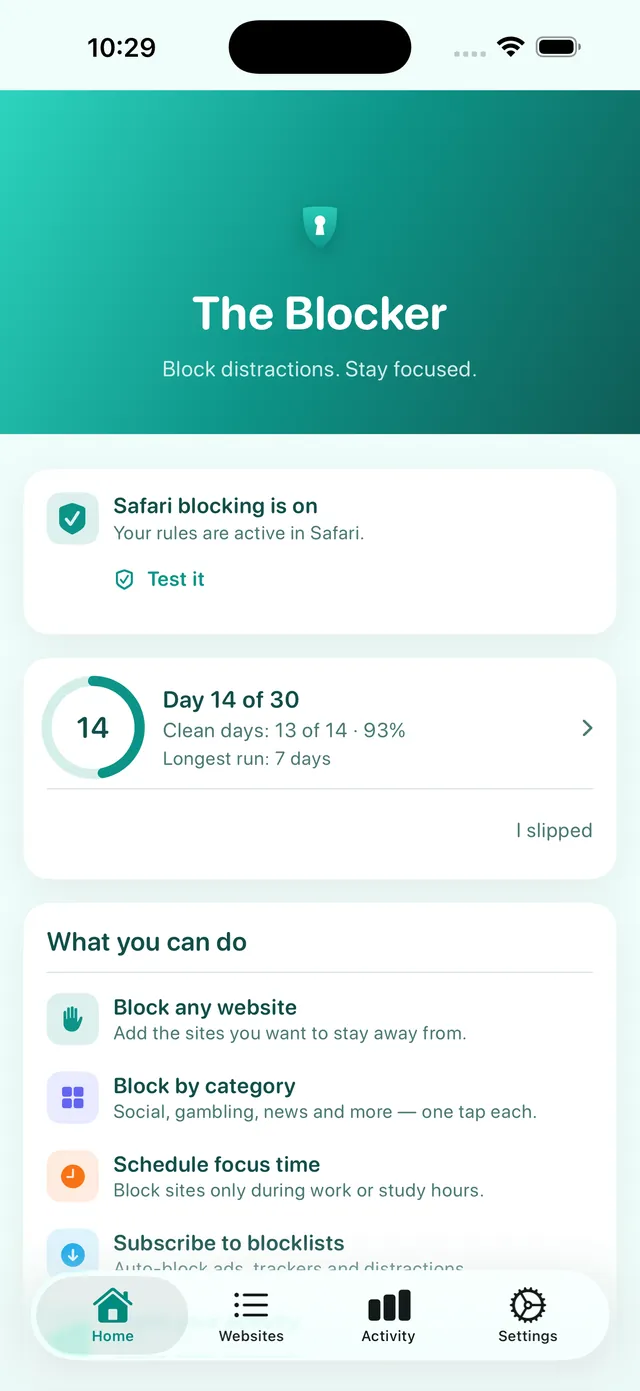
I want to quit porn
- Adult sites blocked from the first minute
- Every browser and links inside apps, and can’t be deleted (Pro)
- A 30-day challenge where a slip never resets you to zero
- A calm rescue page at the hard moment
Adult content blocker · iPhone & iPad
Adult sites are blocked in Safari from the first launch, free. With Pro, Strong protection uses Apple’s Screen Time to block them in Chrome, Firefox and links you open inside apps — and can stop The Blocker from being deleted.
Free on the App Store · No account · iPhone & iPad
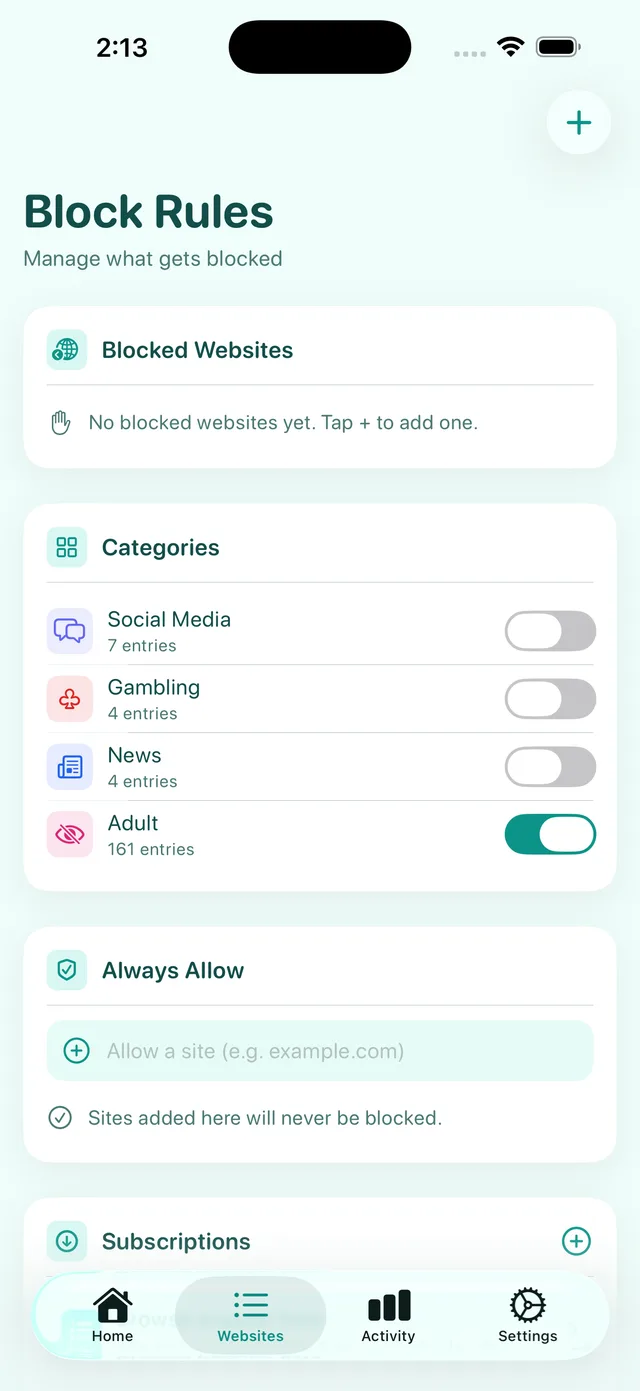
Adult sites are blocked in Safari from the first launch. Add any site or whole categories.
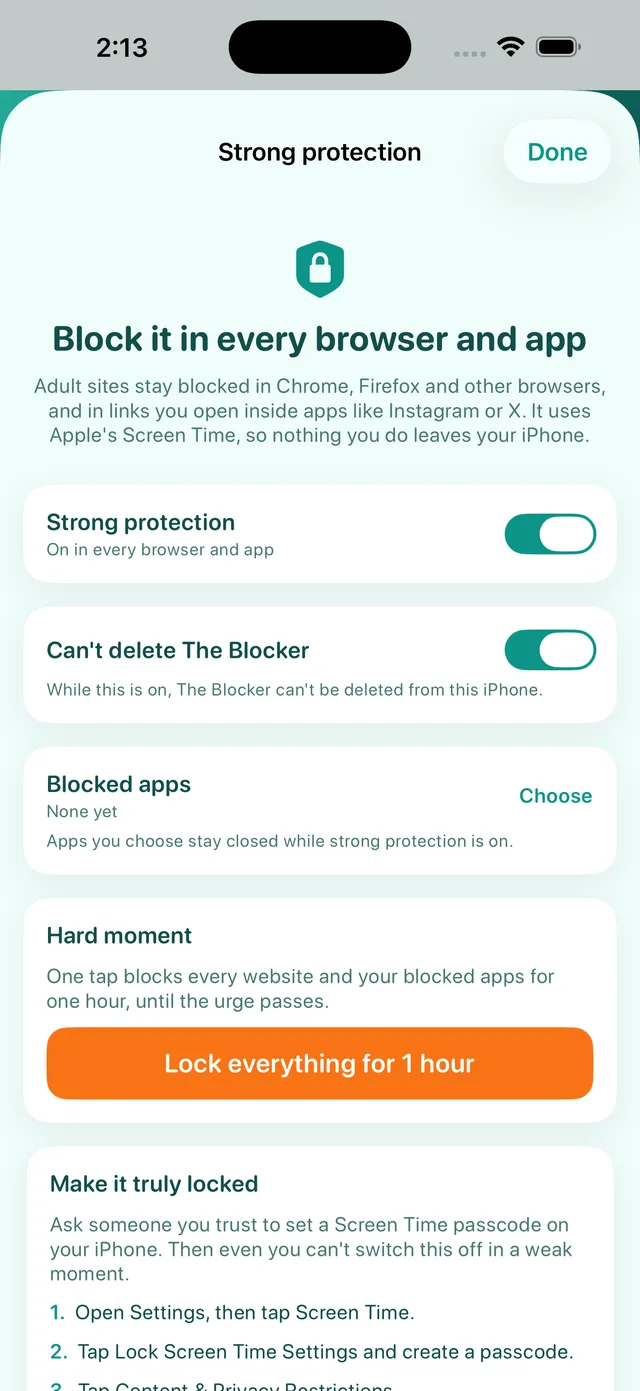
Pro’s Strong protection covers Chrome, Firefox and links you open inside apps like Instagram or X.
Can’t delete The Blocker and a delay to unblock (Pro), plus a free 30-day challenge that never sends you back to zero.
From distraction to calm
Once The Blocker is on, Safari simply won't open the sites you choose. Try it here — this page is a demo and changes nothing on your device.
The internet, as it is.
site.com was blocked by a content blocker before it could load.
Blocked by The Blocker · demoDemo only. In the app you choose exactly which sites and categories are blocked.
Strong protection · Pro
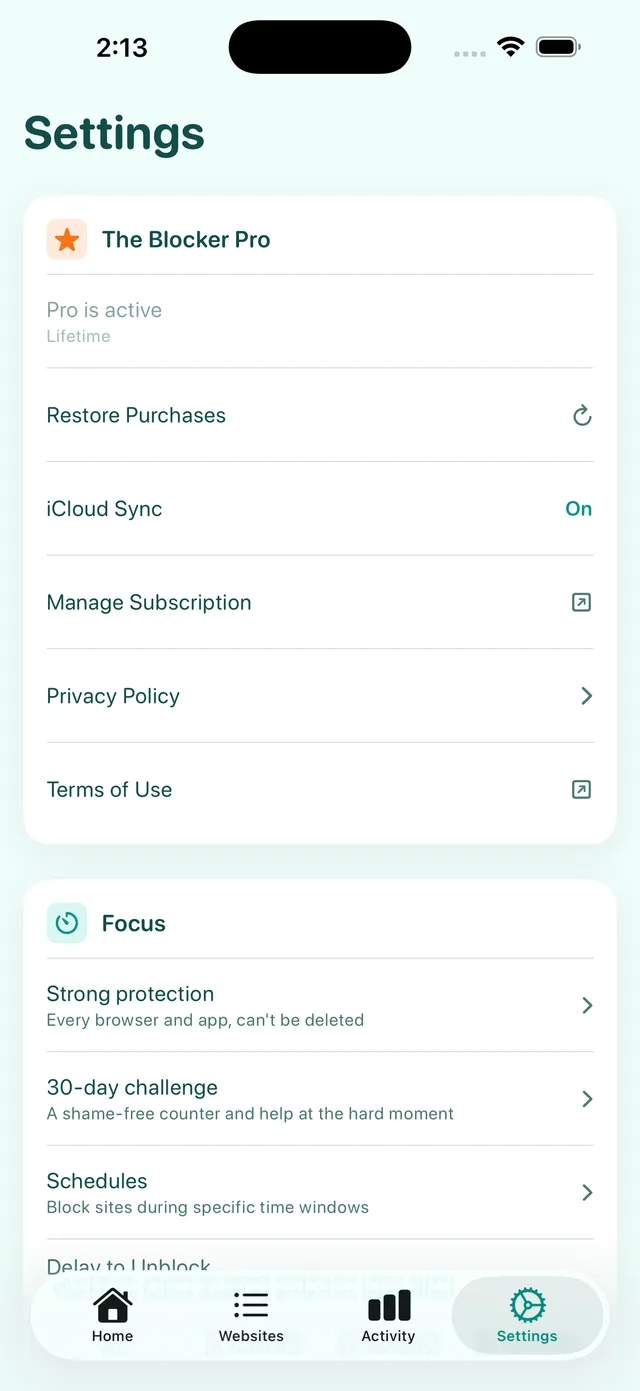
Safari isn’t the only way onto the web. Strong protection uses Apple’s Screen Time on your own iPhone to block adult sites and your own blocked sites wherever a web page can open.
Private: the apps and sites you pick stay on your device as Screen Time tokens that The Blocker itself can’t read.
Your boundaries
Adult sites are blocked from the first launch. Add any site you choose, switch on whole categories, and keep the sites you trust always allowed.
Your focus hours
Schedules block distracting sites during work, study or sleep — even overnight. And if you try to switch protection off, a short delay gives the urge time to pass.
At the hard moment
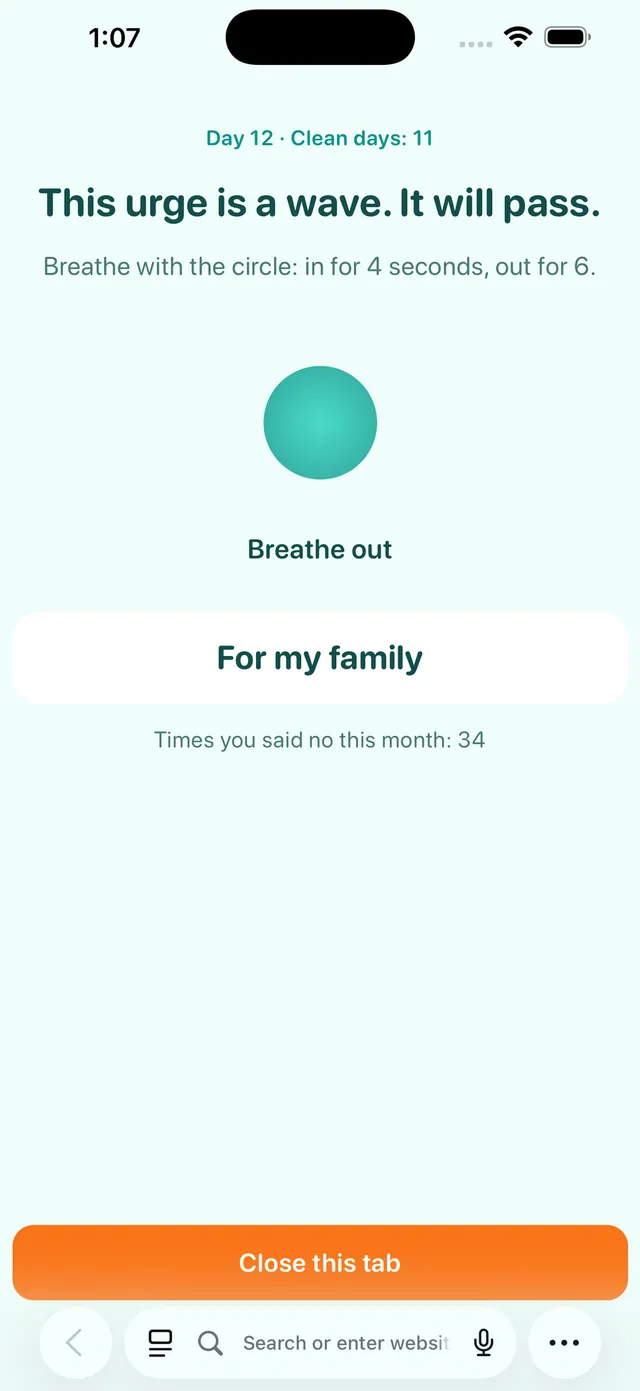
“This urge is a wave. It will pass.”
Join the free 30-day challenge: a slip marks its day but never sends you back to zero, and short check-ins arrive on days 3, 7, 14, 21 and 30. Turn on the optional Stats extension too, and a blocked site in Safari becomes a calm rescue page: breathe with the circle, remember who you’re doing this for, close the tab.
How the 30-day challenge works →
Set up in about a minute
The Blocker hands Safari a list of rules. Safari applies them on your device before a page loads, so a blocked site never opens.
Free on the App Store for iPhone and iPad. Adult sites are blocked from the first launch.
The app walks you there and checks that it worked.
Settings › Apps › Safari › Extensions › The Blocker › Allow ExtensionTap Test it in the app. A page opens and says Blocking is ON when Safari really blocks.
Made for your reason
From the App Store
“Straight forward directions. Turned on in content blocker of safari and viola. Page couldn't open and hijack browsing. Excellent!!”
“Thank you so much, this app helped me so much.”
“A great porn blocker. It costs less than the subscription in ‘free’ apps, with the same features.”
Straight talk
Details in the privacy policy. This website sets no cookies and loads no trackers. Download buttons pass through a short link here so we can count taps per page; like any website, its server keeps standard request logs.
Pricing
$0
US prices shown. The App Store shows the price for your country.
Questions
Install The Blocker, then open Settings › Apps › Safari › Extensions › The Blocker and turn on Allow Extension. Adult sites are blocked in Safari straight away. For extra protection, also turn on Screen Time › Content & Privacy Restrictions › Web Content › Limit Adult Websites and give the Screen Time passcode to someone you trust.
Yes. The free version blocks the Adult category and up to 10 websites you choose. The Blocker Pro adds Strong protection for every browser, every category, ad, tracker, malware and phishing lists, focus schedules, a delay to unblock, activity stats and iCloud sync. In the US, Pro is $4.99 a month, $39.99 a year, or $49.99 once; the App Store shows your local price.
With Pro, yes. The free app is a Safari content blocker, so it works in Safari and in apps that open web pages in a Safari view. The Blocker Pro adds Strong protection: it uses Apple's Screen Time to block adult sites and your own blocked sites in every browser, including Chrome and Firefox, and in links you open inside apps like Instagram or X. Without Pro, remove other browsers or block them with Screen Time, so Safari is the only way onto the web.
Open the app. The home screen says whether Safari is using The Blocker, and the Test it button opens a page that shows “Blocking is ON” when Safari really blocks.
With Pro, yes for web pages: Strong protection uses Apple's Screen Time to block adult sites and your own blocked sites in every browser and in links you open inside apps like Instagram or X. It does not filter the posts and videos in an app's own feed. To keep an app closed altogether, add it to Blocked apps in Strong protection.
With Pro, turn on Strong protection and then Can't delete The Blocker: while it's on, the app can't be deleted. Turning either off goes through your delay to unblock (10, 30 or 60 seconds), so it can't happen on impulse. For a lock you can't undo alone, turn on Screen Time › Content & Privacy Restrictions and let someone you trust set the Screen Time passcode; this also keeps Safari extensions switched on.
No browsing history is sent to us. Safari applies the content-blocking rules itself, so the content blocker can't see which pages you open. If you turn on the optional Stats extension, it checks each site name against your rules on your device and keeps counts of blocked attempts there, for the Activity tab and the rescue page. From version 2.8 the app can send anonymous usage steps to help improve setup — never the sites you block or visit — and you can turn that off in Settings. Strong protection (Pro) uses Apple's Screen Time: the apps and sites you pick stay on your device as private Screen Time tokens, and nothing about them is sent anywhere.
Yes, as one layer. Install it on your child's iPhone or iPad, turn it on in Safari, then use Screen Time with your own passcode to keep extensions on, limit adult websites and block other browsers.
It works on iPhone and iPad with iOS or iPadOS 17.2 or later, and can sync your rules between them with iCloud (Pro).
English, Arabic, Spanish, French, German, Portuguese, Japanese, Simplified Chinese, Korean, Russian, Turkish and Italian.
Free to start. Set up in a minute. Test it with your own eyes.
Download for iPhoneiPhone and iPad · iOS 17.2 or later · 12 languages